
How we made the viral Jensen Huang video
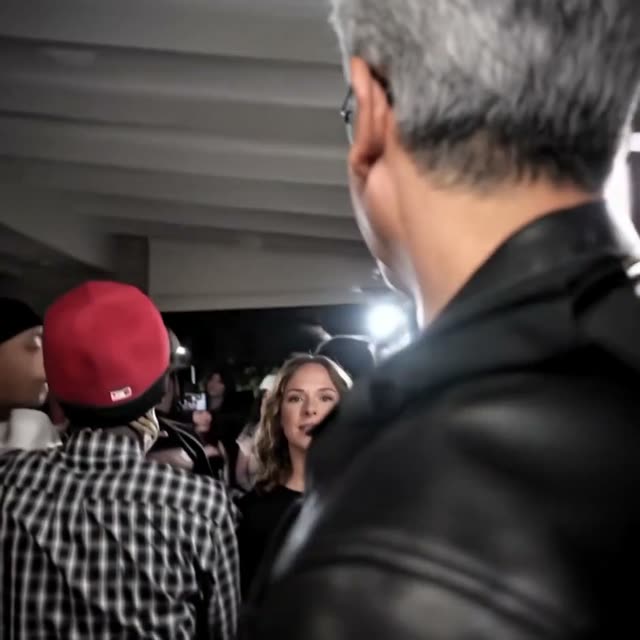
We put Marlon in Jensen’s leather jacket and swapped two faces in the crowd.
- Kling 4.0
- 720p
- 8 Kling runs
- 1 upscale
- 1 image edit
- 2,060 credits
- 2.1M views
 honeyvid.ai2.1M
- 193.6K likes
- 566 comments
- 5K reposts
- 173 shares
- 14.8K saves
The original TikTok
We cut the TikTok in two
For the party, we had to say who became who based on what the camera saw, with Marlon mostly seen from behind. That prompt didn’t fit the selfies, where he filmed himself from the front.
Party scene0–10.4 s
Selfie montage10.5–20.13 s
We cut out the woman in pink
The red-carpet photo had Jensen standing next to her. We cut her out so Kling only sees one person. This became @Image3.
GPT Image 2.6 · 20 credits
Input 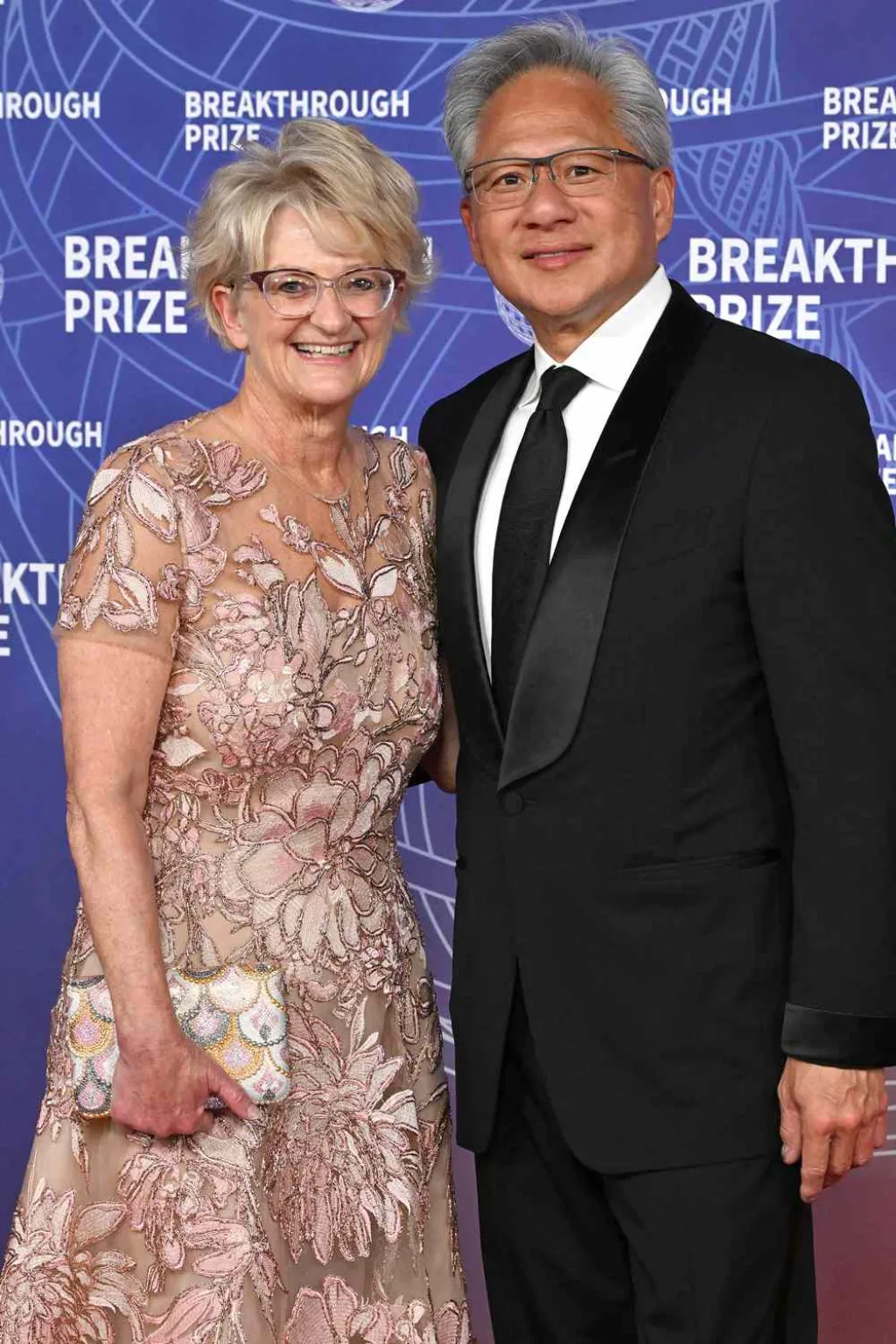 Prompt
remove the man and the background and keep just the woman with plain background. full body shot of her
Output 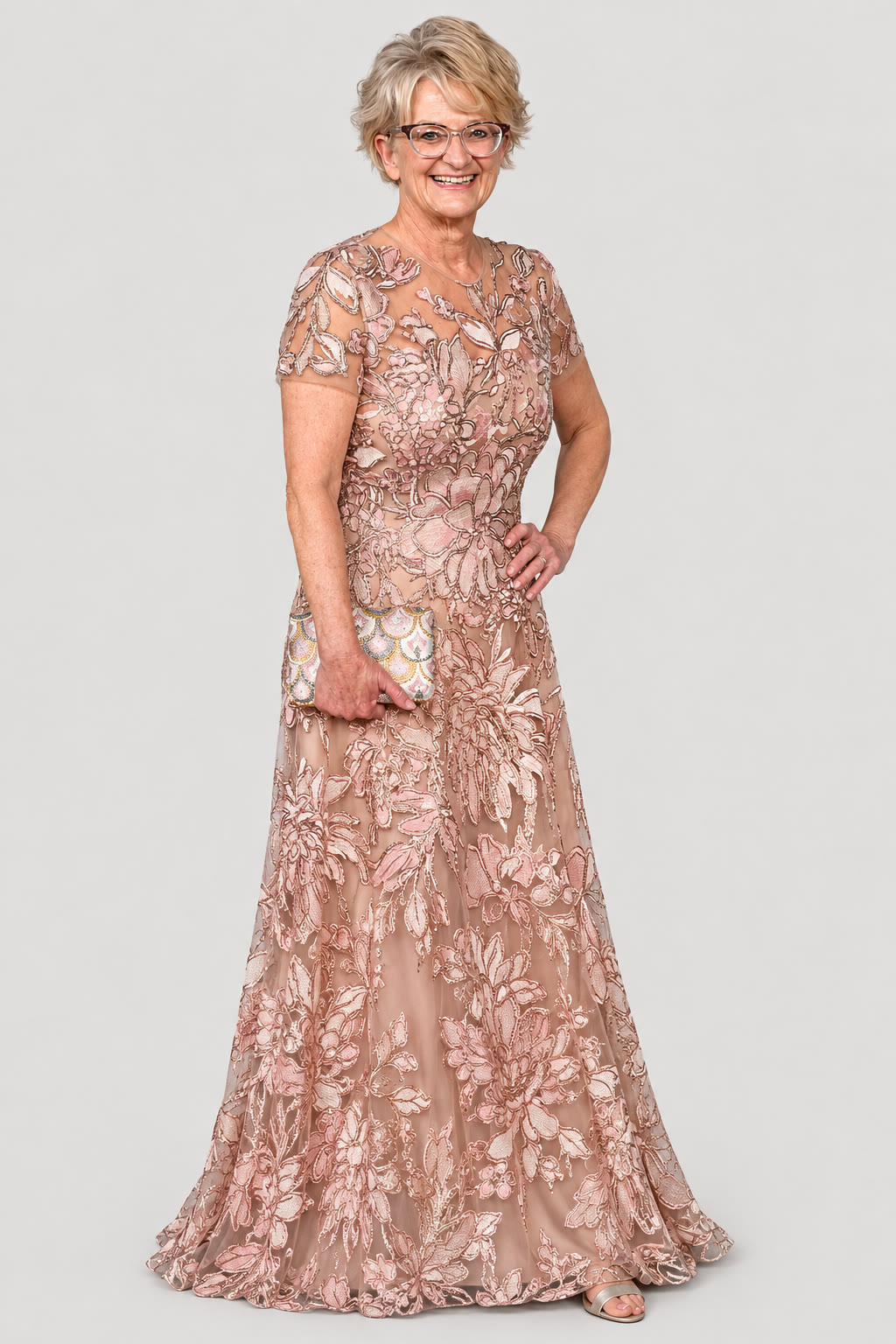
We found our clear character photos
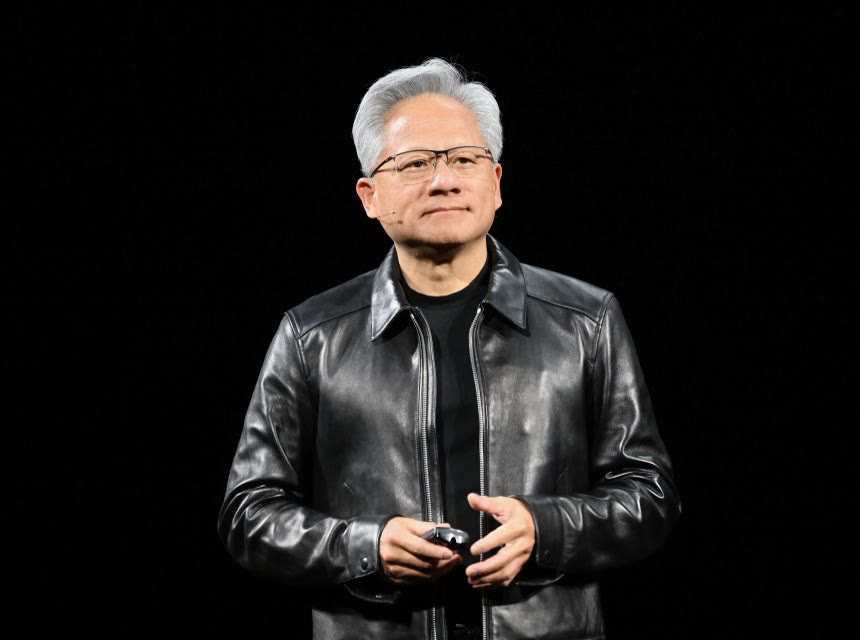 @Image1Replaces Marlon
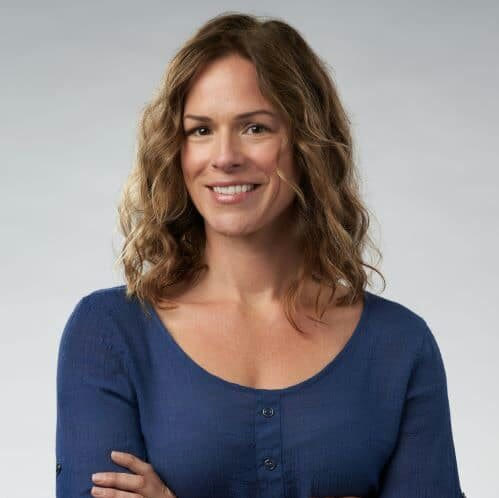 @Image2Replaces the blonde girl in the crowd
- @Image3Replaces the bearded guy staring at Marlon
Party scene, try 1
The swaps worked. Kling squeezed our 10.4 seconds into 9, so the stare came a second early.
Not used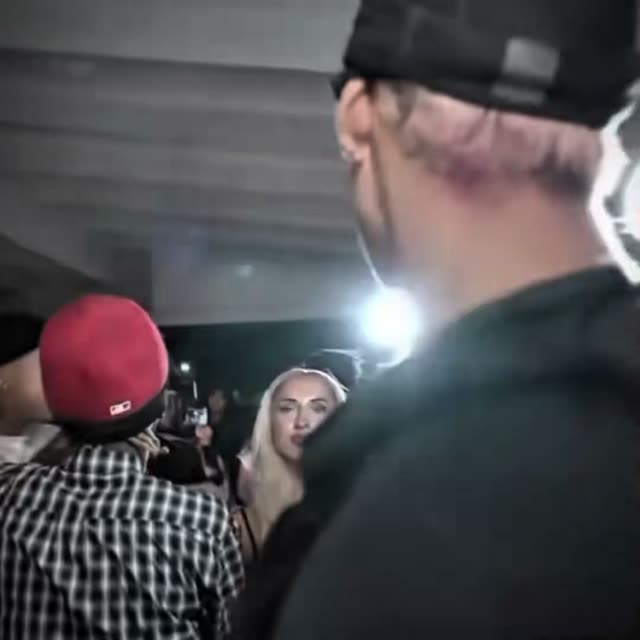 10 sVideoOutput
Party scene, try 1
Selfie montage, try 1
We gave Kling a long prompt and asked it to keep the hats. It left Marlon in the gold-grill shot. Under the hats, Jensen looked like a different man with glasses.
Not used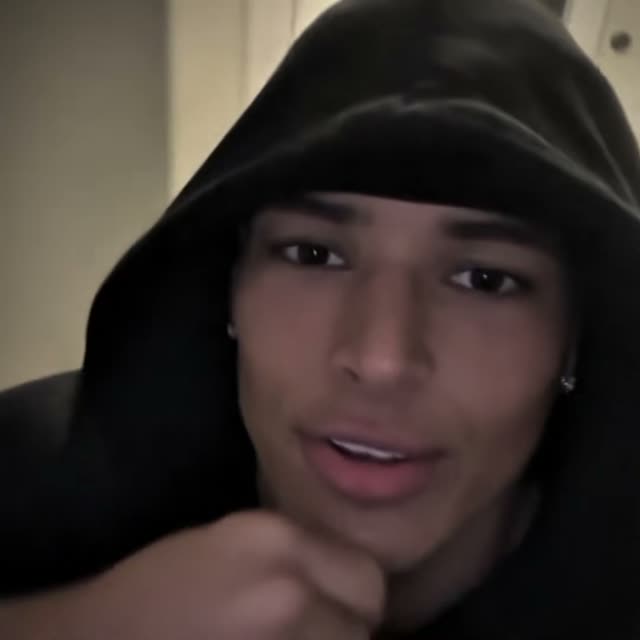 10 sVideoOutput
Selfie montage, try 1
Selfie montage, try 2
Jensen looked right, but the first shot turned into his reference photo instead of the hood selfie.
Not used10 sVideoOutputSelfie montage, try 2
Selfie montage, try 3
We kept the second half from this take: the red cap, the white cap, the outdoor shot and the black cap.
Kept10 sVideoOutputSelfie montage, try 3
Selfie montage, try 4
With the hats gone, we could see Jensen’s grey hair. We kept the first half, from the hood shot through the big smile.
Kept10 sVideoOutputSelfie montage, try 4
Selfie montage, try 5
We tried the white-background photo. The first shot became Jensen on a stage, so we stayed with the takes we had.
Not used10 sVideo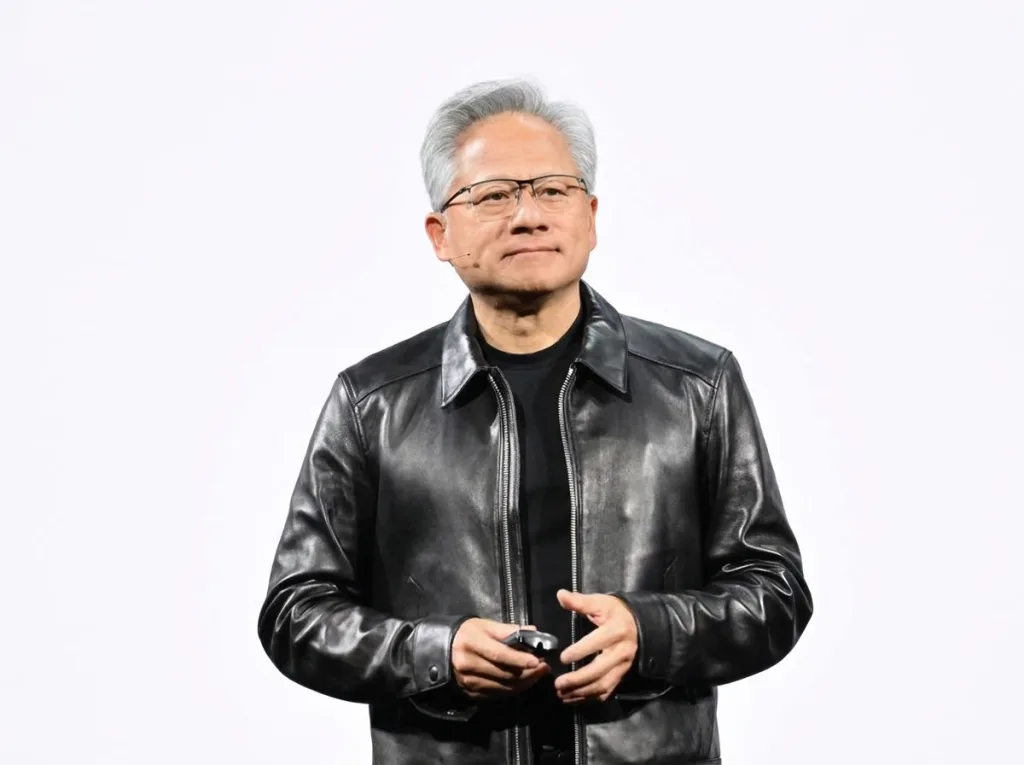 Output
Selfie montage, try 5
Party scene, try 2
Same prompt, sent again. It came back at 9 seconds again, so the prompt had to change.
Not used10 sVideoOutputParty scene, try 2
Party scene, try 3
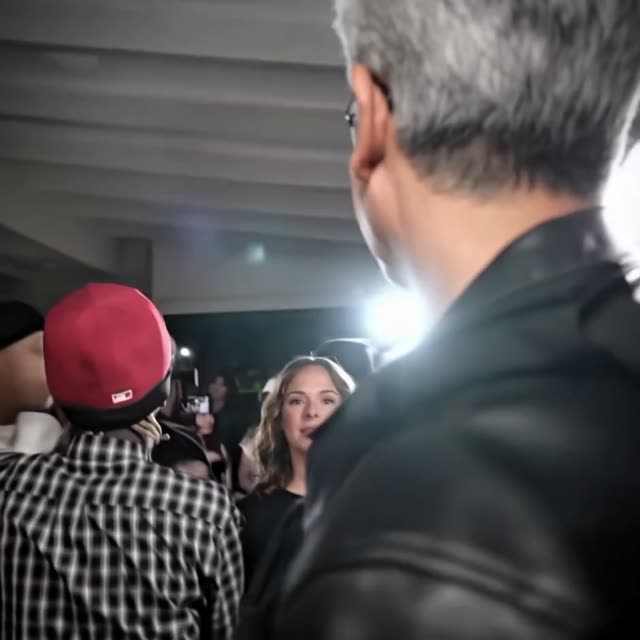
We added one sentence. The clip came back just over 10 seconds, so we kept it for the final cut.
KeptThe sentence we added: Keep all scenec of the video, do not make it shorter.
10 sVideoOutputParty scene, try 3
We put the edit together
We took the full party clip from try 3. For the selfies, try 4 had the best hood shot and big smile, and try 3 looked better in the later shots. We joined them, laid the original song under everything and added one extra second of black at the end.
The final cut
 Loading the editor… 0/40:00.00:21.20 s21.167 sVideoParty scene, try 310.04 sSelfie montage, try 43.13 sSelfie montage, try 36.08 sBlack1.92 sAudioOriginal song19.67 s
- Party scene, try 3: 0 to 10.0 s
- Selfie montage, try 4: 0 to 3.1 s
- Selfie montage, try 3: 3.2 to 9.3 s
- Black: the original’s black ending plus one extra second
- Sound: the original TikTok song from start to end
We hit Export
The export came out at 21 seconds and 940×940, with the original song and the extra second of black at the end. We uploaded it back to HoneyVid to upscale it.
The export
We upscaled the whole video at once
We ran the finished export through Topaz Starlight at 1080p. One upscale at the end keeps every shot equally sharp.
Upscale
Sharper faces, crisper detail, same video. It saves as a new video next to this one.
Resolution
UpscalerSee outputs
OutputUpscaled with Topaz Starlight
We added the logo last
We put the HoneyVid logo in the bottom left after upscaling. That kept Topaz from smudging the edges.
We set the logo to 18% of the frame width and 70% opacity, with a soft shadow.
The final video with the logo
Your turn
Pick a clip and a photo of someone you’d love to see in it. Make the swap in the Playground, then cut your favourite takes together in the Editor.